
How to fix Poppy Playtime Low Level Fatal error?
How to fix the Poppy Playtime low level fatal error? Here's how to prevent your game from constant crashing.


How to fix the Poppy Playtime low-level fatal error? Here’s how to prevent your game from constant crashing.
The smash-hit horror game Poppy Playtime has taken the world by storm and received a ton of attention. The horror game with puzzle elements invites players to an abandoned factory filled with horrifying inhabitants. MOB Games’ horror title received more than 28,000 reviews and is rated Mostly Positive on Steam. But it is also troubled by very frustrating problems like the low-level fatal error.

A majority of players have encountered this issue since the game came out. While there are a few methods to solve the problem, encountering this error is quite annoying nonetheless. Let’s dive in and sort the error right away and return to the factory of nightmares.
Poppy Playtime Low-Level Fatal Error Fix
Fatal errors are the most infamous problems one can come across during gaming sessions. They are usually seen in small error boxes that come out after your game crashes. While it feels like it is impossible to solve them, there are some methods you can try to get rid of these errors. Although the never-ending threat of seeing the low-level fatal error box will always be there, for sure.
1. Verify the integrity of Poppy Playtime files.

A corrupted file in the installation process can result in a fatal error. Fortunately, Steam can verify the integrity of game files instead of forcing you to uninstall the game. In these cases, simply head to Steam and follow the simple steps below. It will scan your game files to download files if they are missing.
- Open Steam and head to your games library.
- Find Poppy Playtime.
- Right-click on the game.
- Click on Properties.
- Select Local Files.
- Click on Verifytheintegrity of game files.
- Wait for Steam to complete the process.
2. Run the game in offline mode.

A majority of players shared that they were able to play the game without any crashes in offline mode. You will not be able to text your friends or receive messages from them when you play offlince. But this method can solve the Poppy Playtime low level fatal error. Here’s how to run Steam in offline mode.
- Open Steam.
- Click on the Steam menu on the top-left corner of the screen.
- Click on Go Offline.
- Steam will ask for your permission to run in offline mode.
- After a quick restart, try playing Poppy Playtime to see if the problem is solved.
3. Play Poppy Playtime in DirectX11.
You can also try running the game in DirectX11. This easy method is one of the most useful tips when it comes to dealing with such errors. Here’s how to do force your game to run in DX11.
- Open Steam.
- Find and right-click on Poppy Playtime.
- Select Properties.
- Click on Set Launch Options in the menu.
- Type -force-d3d11 in the text box.
- Click on OK and start playing.
- This will make Poppy Playtime run in DX11. Hopefully, it will also solve The UE4-Playtime_Prototype4 LowLevelFatalError as well.
Why do fatal errors happen?
There are lots of reasons that cause this error to happen. One of the reasons might be a corrupted file of a certain app. In these cases, updating the software should fix the issue. Though not having enough memory space can also be a reason for this frustrating error.
Players with medium-end systems can also encounter a fatal error when a certain game is demanding in terms of system requirements. Here are some of the most useful tips on sorting this problem out. We wish you good luck in all of your adventures in Poppy Playtime.
Related stories

5 best Marvel SNAP Conquest decks (August 2023): Darkhawk, Thanos Control, more
If you want to win against your opponent, these are the 5 best Marvel Snap Conquest decks so that you can overpower them and get the victory.
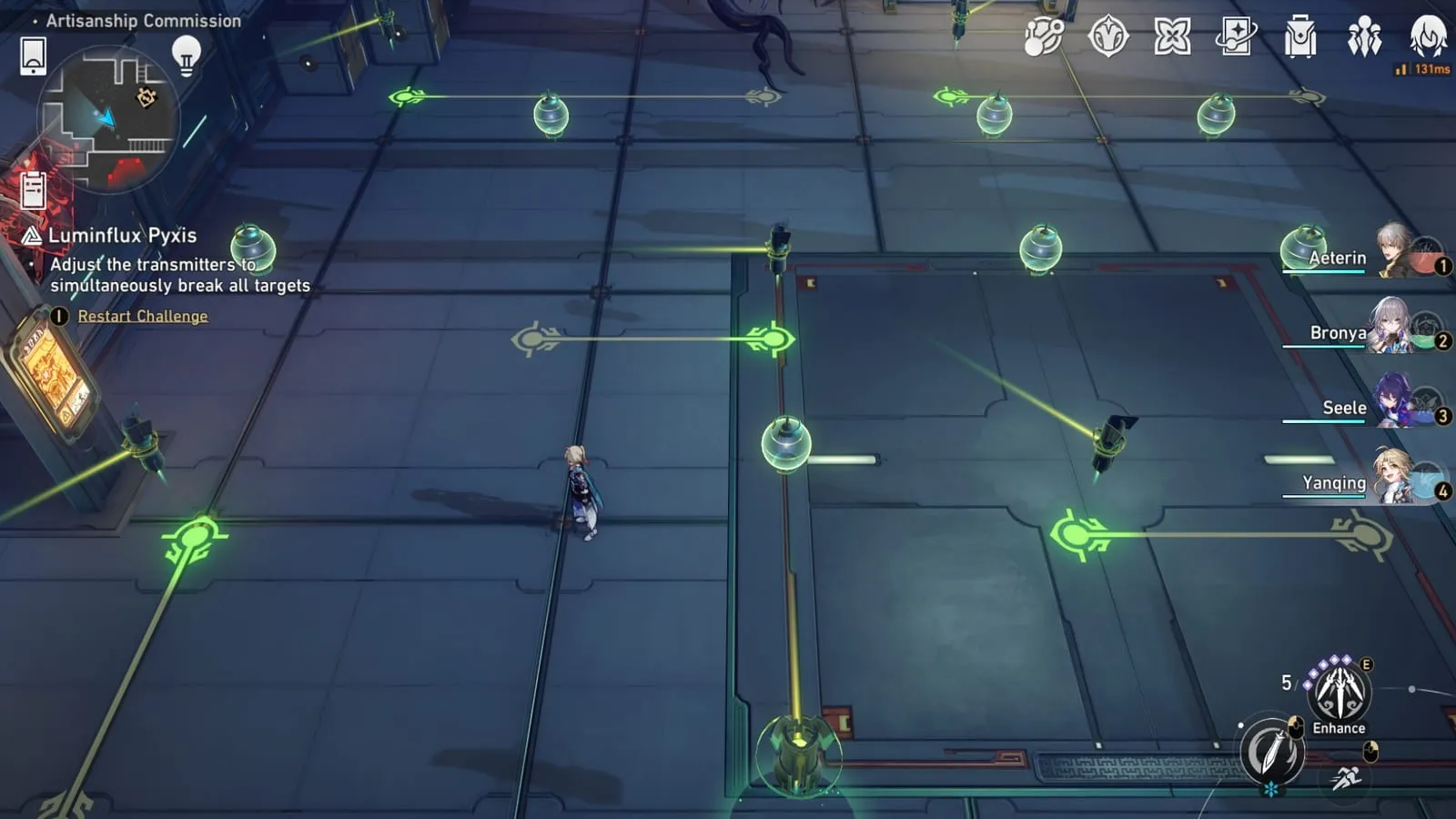
How to solve the Luminflux Pyxis puzzles in Honkai: Star Rail
If you're struggling with the Honkai: Star Rail Luminflux Pyxis puzzles, we're here to help. Check out our solutions for each day's puzzles!

ESO Dragonstar Arena: All rounds & loot
In this guide we'll rundown each round within the ESO Dragonstar Arena, as well as detail all the loot you can possibly get as a reward.