
Hogwarts Legacy Fidelity And Performance Modes Explained
Fidelity or Performance? Feeling confused? Check out our guide.

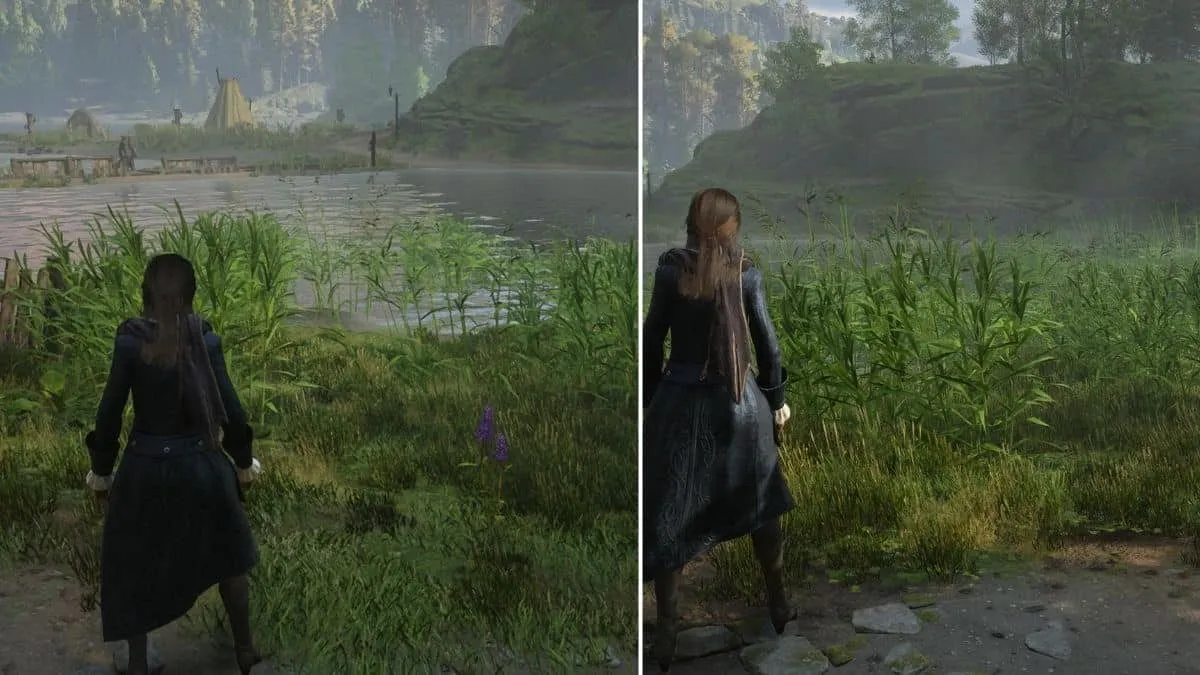
Hogwarts Legacy offers different graphics modes on consoles that players can choose between via the Display Options. However, each choice either compromises the visual quality of Hogwarts Legacy or its performance. In the wake of that, you must know about Hogwarts Legacy Fidelity and Performance modes and which is the best for you.
- Want to know how to make your way to the infamous magic prison Azkaban? Check out our guide on how to get to Azkaban in Hogwarts Legacy.
Disclaimer: While the creator of the Harry Potter franchise was not directly involved in the creation of Hogwarts Legacy, their comments on social media around transgender people are hurtful and dangerous, given the size of their platform.
We’d implore you to read our explainer of the controversy so far, and consider supporting trans rights charities where possible.
Hogwarts Legacy Fidelity And Performance Modes Explained
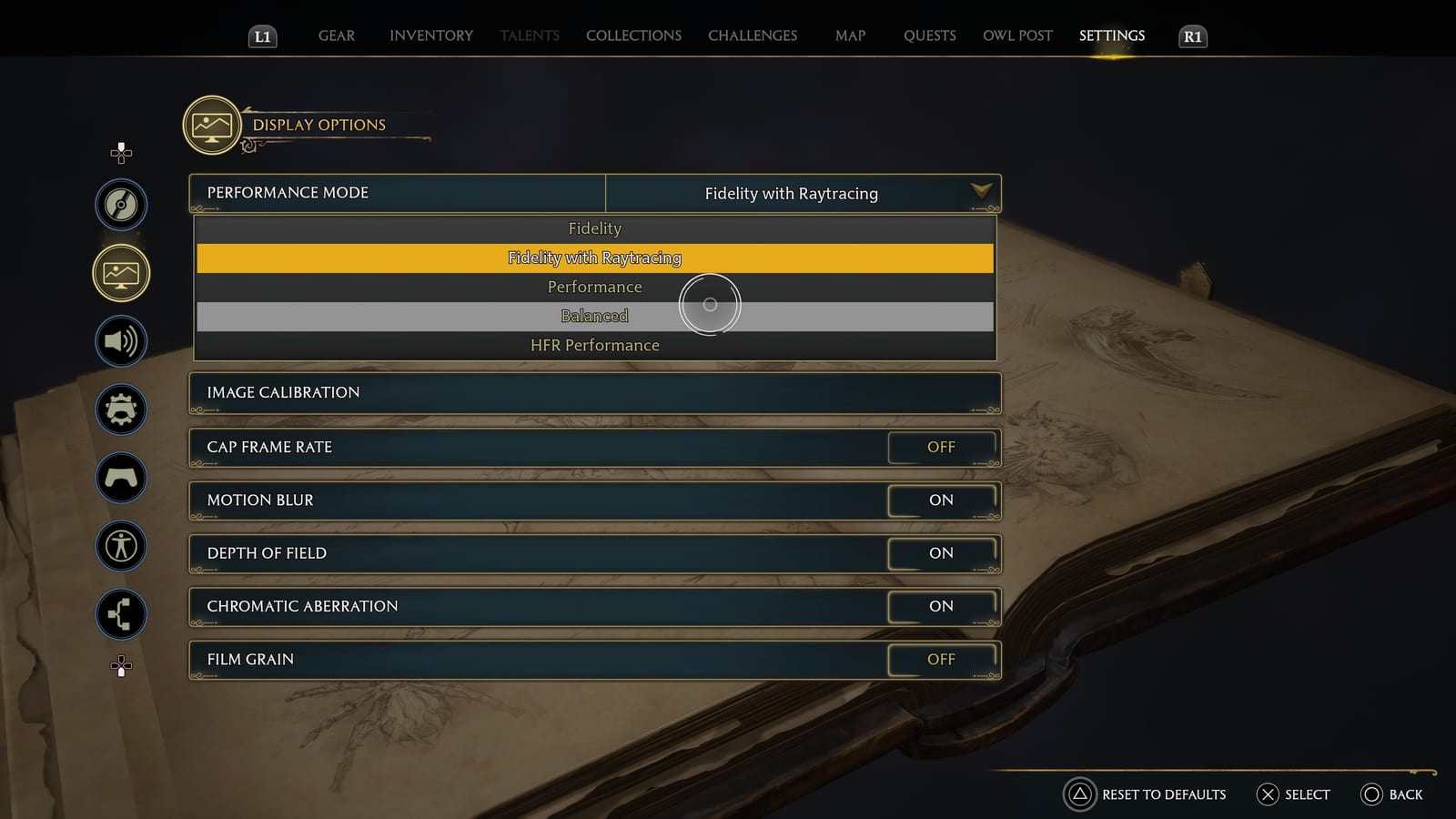
In Hogwarts Legacy, we have three general Graphics Modes for PlayStation and Xbox platforms: Fidelity, Fidelity with Ray Tracing, and Performance modes. If you have a TV or monitor that supports HDMI 2.1 and VRR, you get two additional Graphics Modes: Balanced and HFR Performance.
- Do you want to play Hogwarts Legacy on the go? Check our guide to learn whether Hogwarts Legacy is available on Switch.
Starting with the normal Fidelity mode, as the name suggests, this is a high-fidelity rendering mode that favors resolution and graphical quality. In the Fidelity mode, Hogwarts Legacy runs at native 4k resolution at 30 FPS.
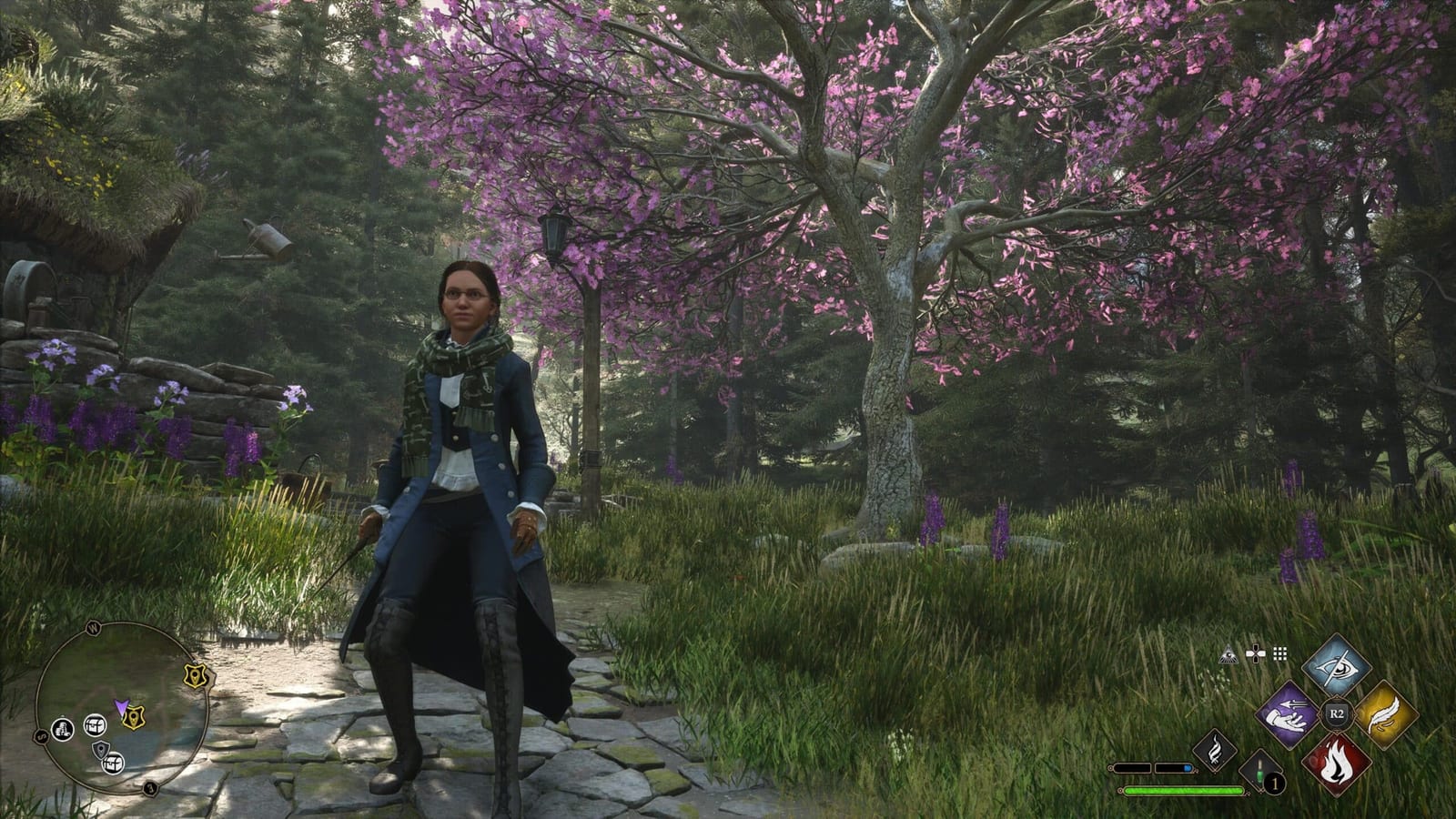
On the other hand, when you switch to Fidelity with Ray Tracing, you get even better visual quality as the game now uses the Ray Tracing technology to add an extra layer of realism to Hogwarts Legacy’s fictional world by simulating the physical behavior of light.
- Are you looking for a Broom? Check out our guide on how to get and use a Broom in Hogwarts Legacy.
Apart from Ray Tracing, Fidelity with Ray Tracing graphic mode also runs the game at native 4K at 30 FPS, though, sometimes the FPS may dip to 28~29 depending on the area and visual load.
Now, talking about the Performance Mode, it favors a higher framerate than visuals. In this mode, the game runs as upscaled 4K resolution at 60 FPS with no Ray Tracing.
While the Hogwarts Legacy Performance mode is suitable for players who prefer performance over quality, we don’t recommend it as you may find Texture pop-in issues.
- Unable to open Eye Chests? Check out our guide on how to open Eye Chests in Hogwarts Legacy.
The same goes for the HFR Performance. The game runs at an even lower resolution, giving a massive boost to FPS (around 80 FPS at 1080p resolution) at the expense of visual quality. With HFR Performance mode enabled, the world is less populated with vegetation. Several graphical effects are turned off, and shadows are jaggier. And, of course, the draw distance is also compromised.
At last, the Balanced graphics mode in Hogwarts Legacy is for players who prefer a higher FPS but don’t want to lose the game’s visual quality. This mode tries to balance resolution, graphics quality, and performance. While you still don’t get Ray Tracing, you get Hogwarts Legacy running at better resolution at 1080p Dynamic resolution at 40 FPS.
Best Graphics Mode To Choose In Hogwarts Legacy
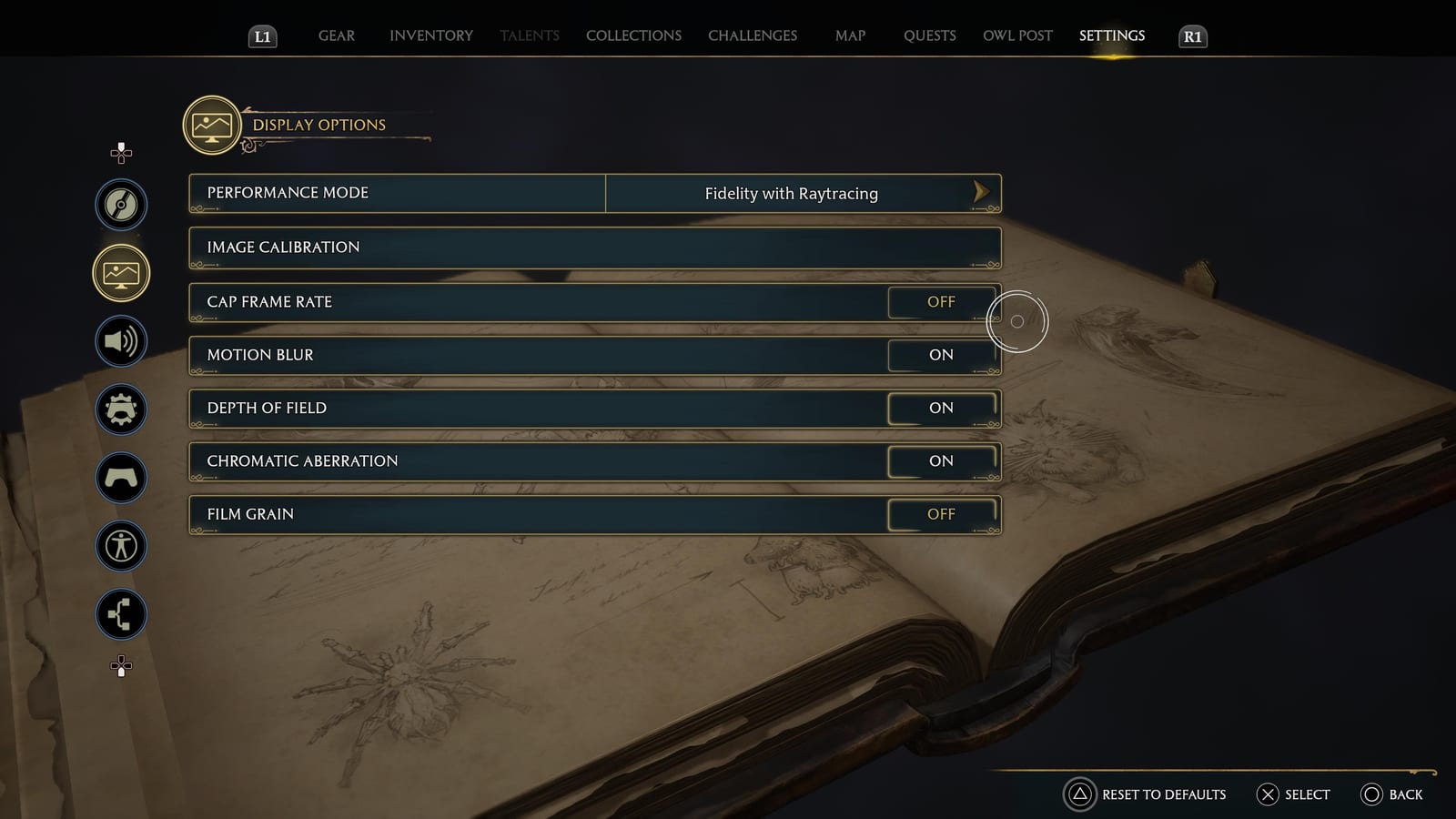
After testing all five Hogwarts Legacy Graphics Modes on PS5 on a Sony XRA80J Oled TV, we recommend players go with the Fidelity with Ray Tracing mode with “Cap Frame Rate,” “Film Grain,” and “Motion Blur” turned off.
That concludes our guide on Hogwarts Legacy Fidelity and Performance modes explained as we have shared everything you need to know about all available graphic modes.
For more on Hogwarts Legacy, keep reading The Games Cabin.
Related stories
5 best Marvel SNAP Conquest decks (August 2023): Darkhawk, Thanos Control, more
If you want to win against your opponent, these are the 5 best Marvel Snap Conquest decks so that you can overpower them and get the victory.
How to solve the Luminflux Pyxis puzzles in Honkai: Star Rail
If you're struggling with the Honkai: Star Rail Luminflux Pyxis puzzles, we're here to help. Check out our solutions for each day's puzzles!
ESO Dragonstar Arena: All rounds & loot
In this guide we'll rundown each round within the ESO Dragonstar Arena, as well as detail all the loot you can possibly get as a reward.