

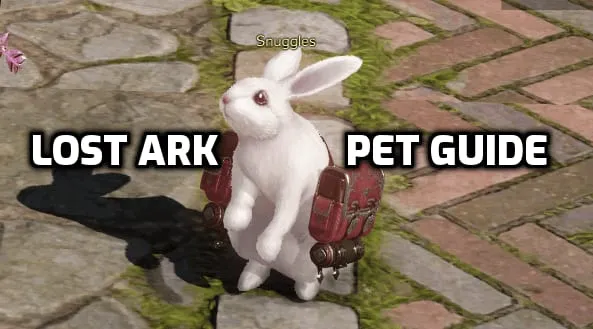
Pets are an integral part of Lost Ark. They provide many quality of life benefits and stat bonuses that improve your character, and they are a wonderful companion. Pets have shared access across all characters on a server.
In this guide we will teach you everything you need to know about pets in Lost Ark.
How to get a pet in Lost Ark
Quest
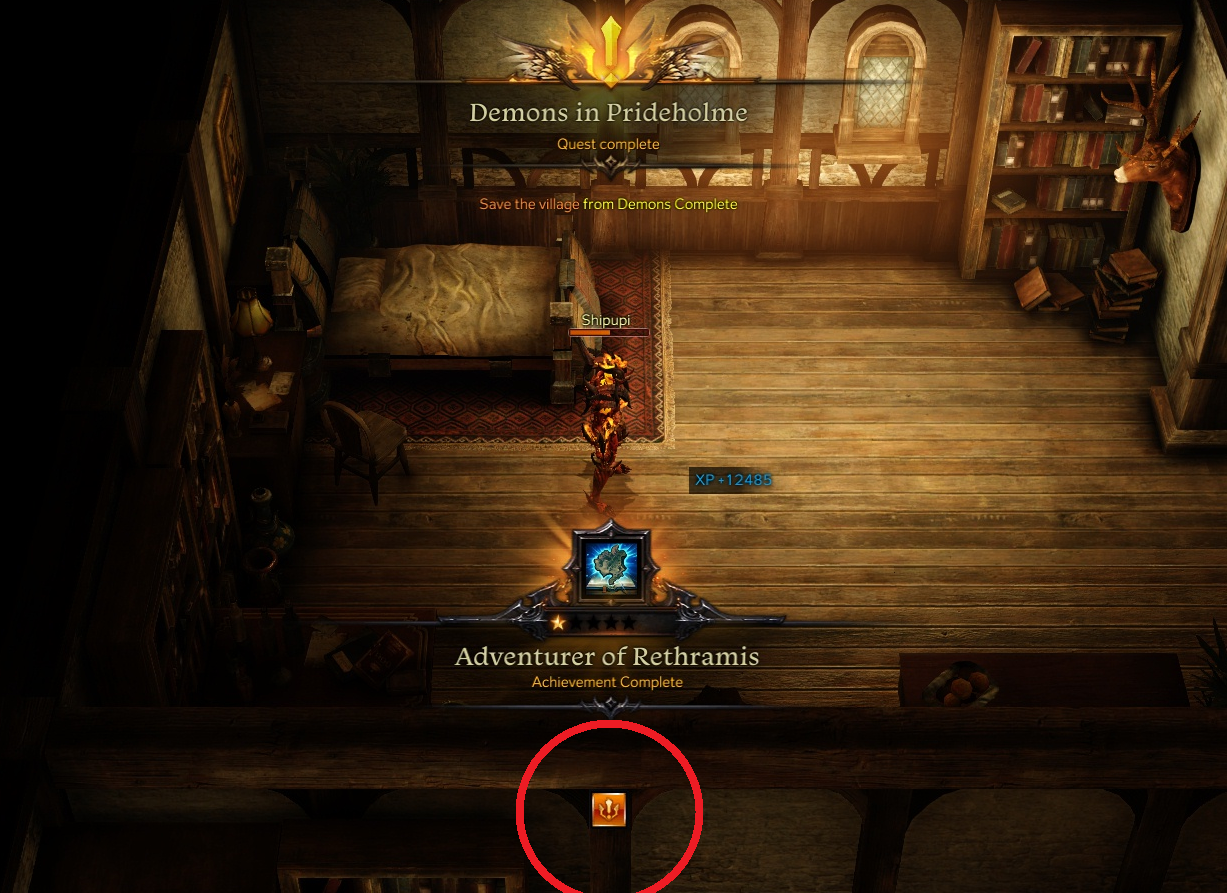
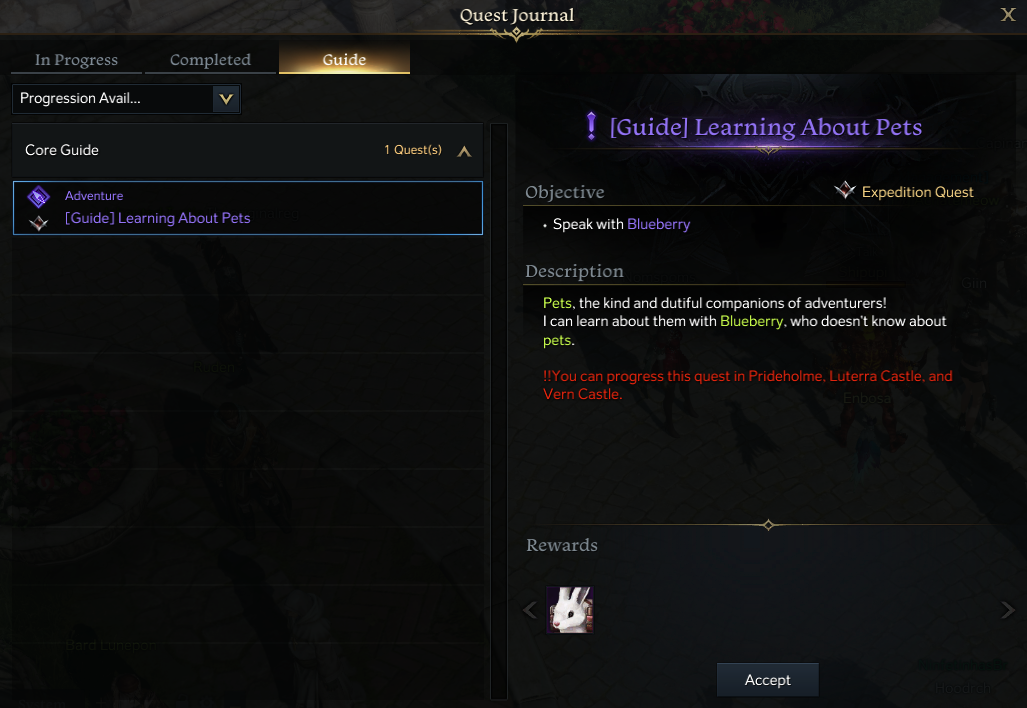
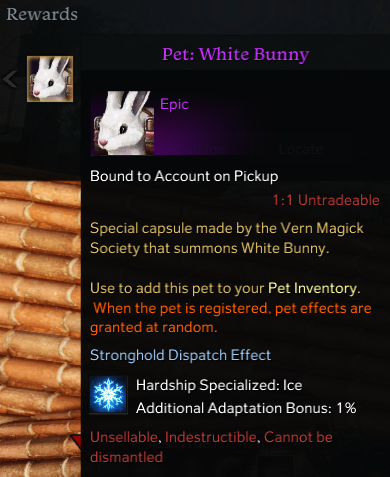
Players can obtain a pet very early on in the game. After completing the Quest “Demons in Prideholme” a prompt will appear at the bottom of the screen. This will bring you to the Guide tab in your Quest Journal <(J> where you can accept the Quest “Learning About Pets”.
Shop
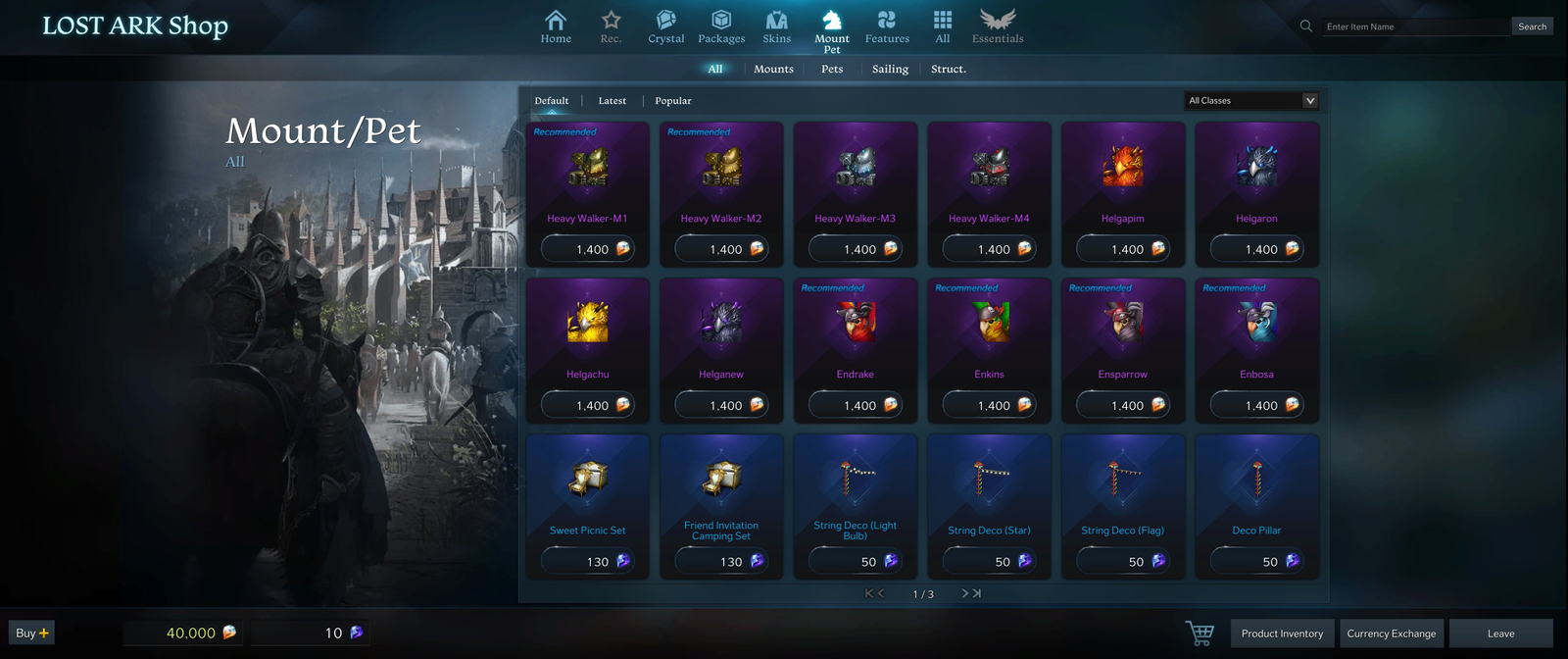
Players can also buy Pets from the in-game shop.
In-Game Events
From time to time there will be events scheduled in the game which will reward the player with a pet when completing certain tasks.
Auction House / Market
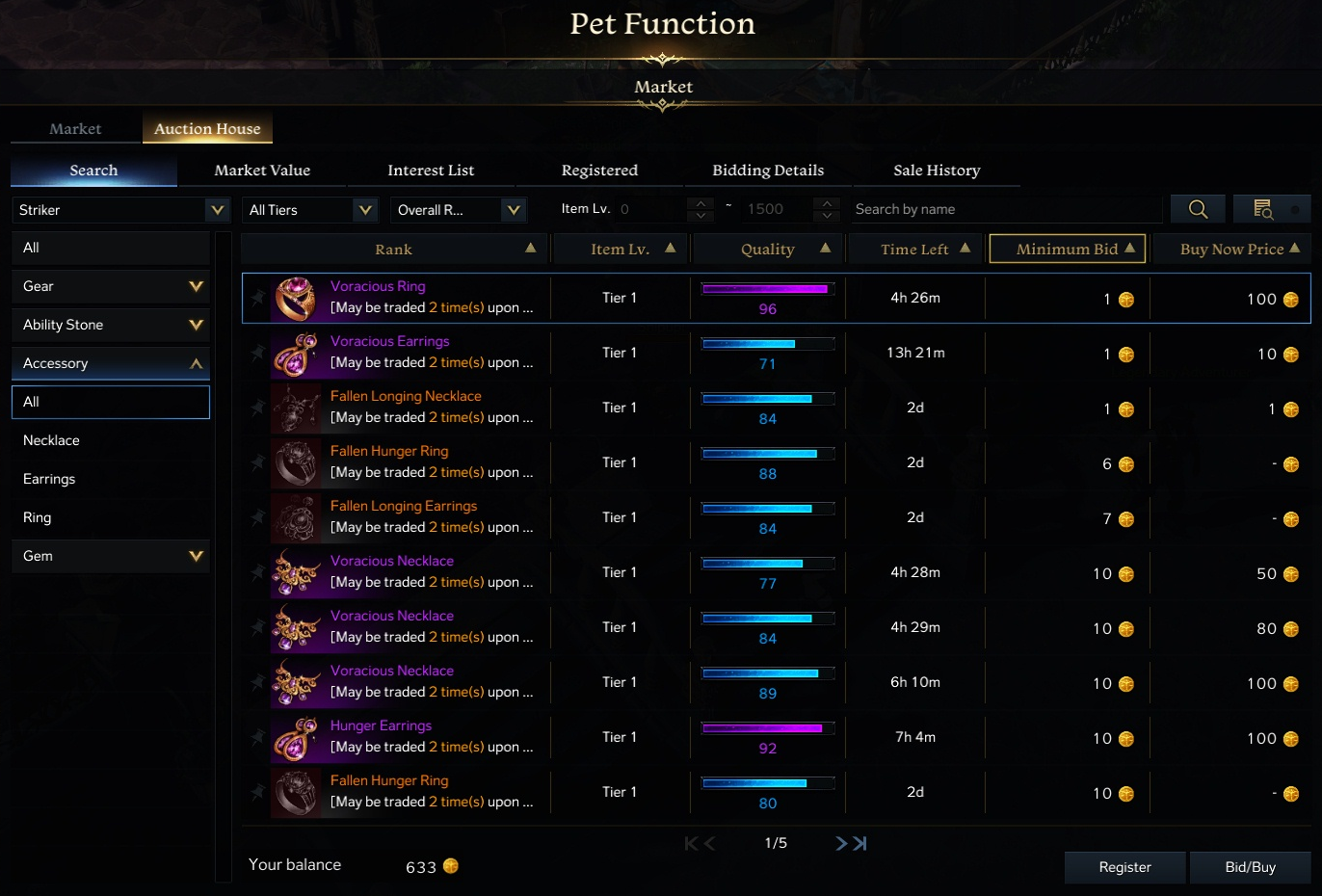
Players can also buy and sell Pets on the In-game Auction house or Market. This might be a great place to find that Rare Pet you’ve been searching for.
What does a Pet do?
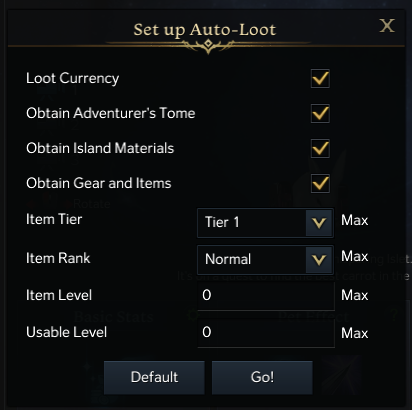
The most important thing a Pet does is Auto-Loot. A pet will automatically pick up loot within range of your character. This is an innate passive skill that all pets have that you do not need to purchase with crystals. You can adjust Auto-Loot settings by clicking on the green Gear Icon in the top corner. These are things like that can filter items by rarity and quality.
Pets registered in the Pet Inventory are shared across all characters on a single server.
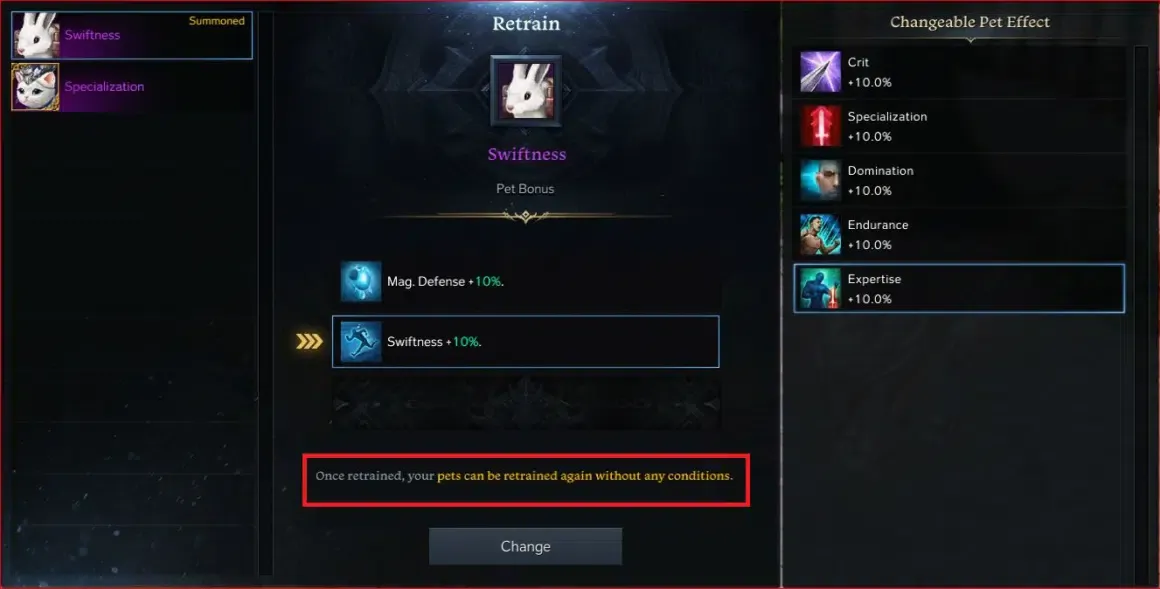
Additionally, Pet Effects provide a boost to stats (Movement Speed, HP, Defense, etc.). You can have 2 effects and can retrain these effects for free.
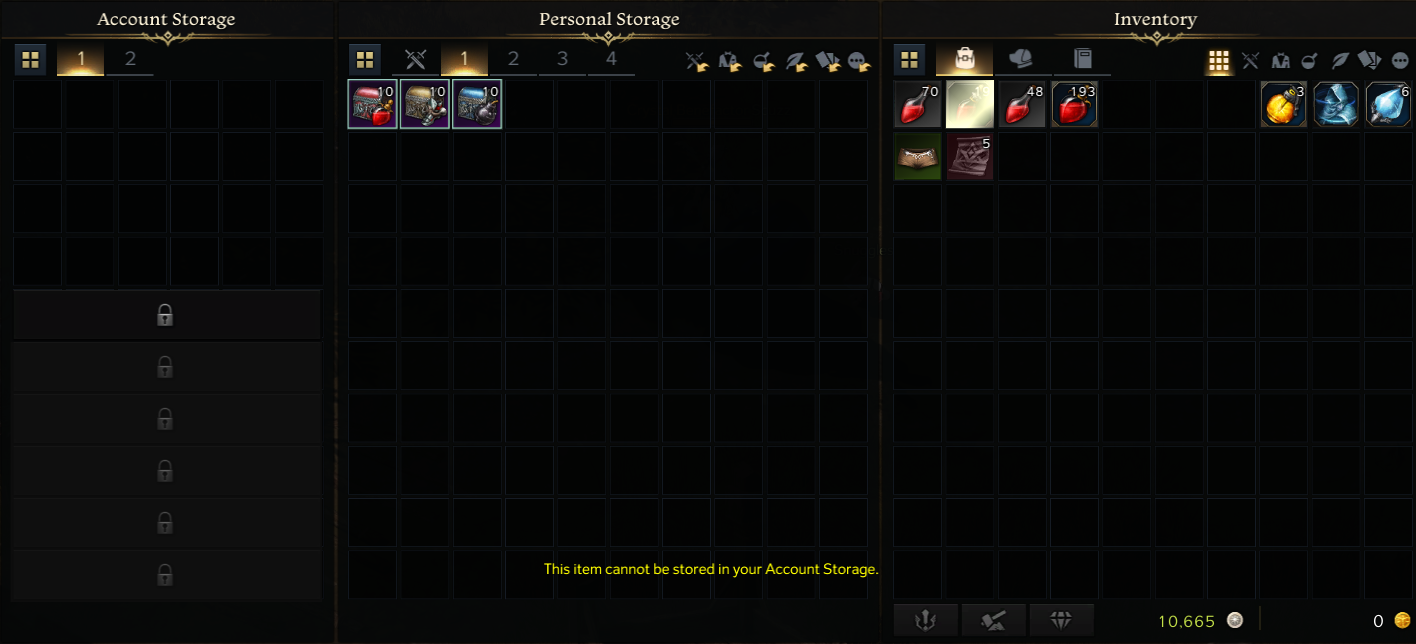
Finally, Pet Functions, are convenience functions, allowing access to various NPC functions (Storage, Mail, Repair, etc.) without having to be at that particular NPC. This is provided as part of the Crystalline Aura monthly paid subscription service.
Pet Inventory
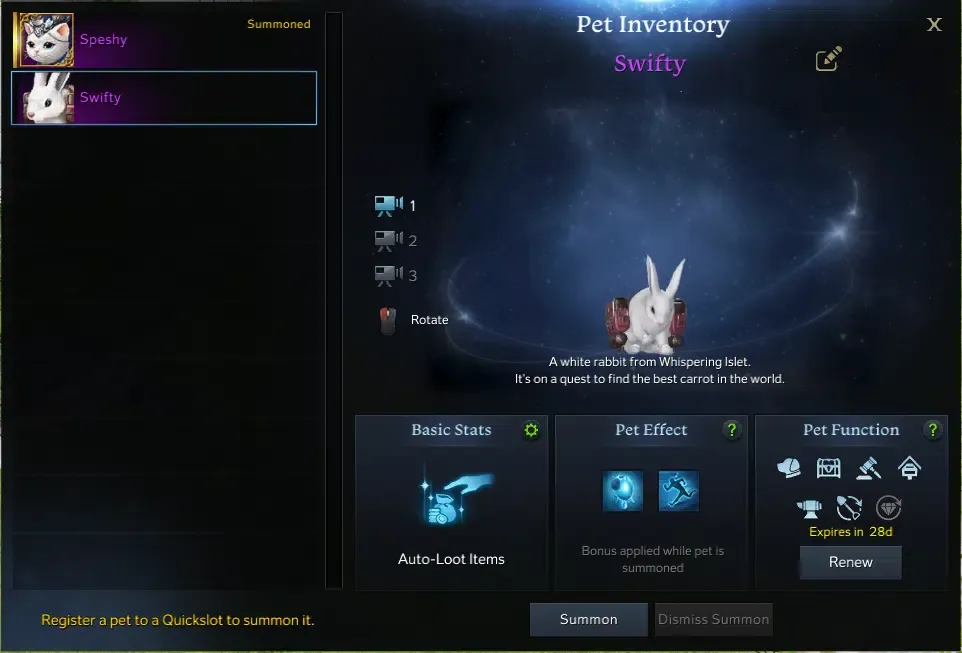
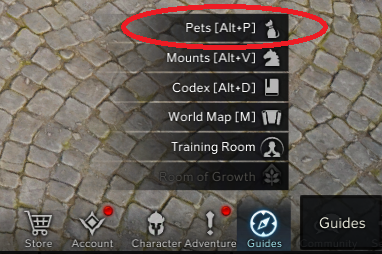
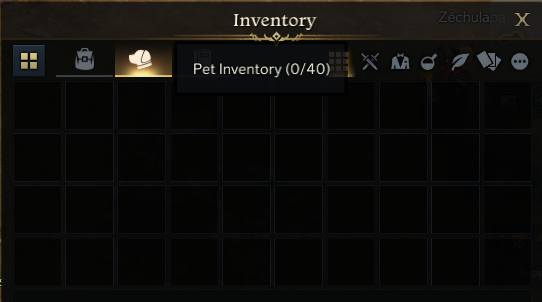
To access the list of your registered Pets, open the Pet Inventory from the Guides Menu on the bottom right hand of the screen <Alt +P>.
From here you can change your pets name, see their abilities, activate their Effects and Functions, Summon or Dismiss, and drag their icon to your hot bar to have quick access to summon them.
Pet Effects
Pets provide stat increases through Pet Functions.

Each Pet can have up to two different active Effects. One for Defensive Stats, One for Offensive Stats. Effects are chosen at random when you first register them from your inventory.
In the First Slot you can select one of these Defensive Stats:

In the Second Slot you can select one of these Offensive Stats:

Retraining your Pets Effects.
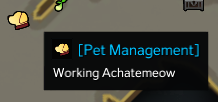
If you get a pet that doesn’t have the stats you’re looking for you can head over to Pet Management to Retrain those Effects for for free. In the Retrain Interface below you can see the list of your Registered Pets on the Left. The selected Pets Effects in the middle. And a list of Pet Effects on the Right. You can Retrain each Effect Slot independently from list of options should you choose to Retrain them.
Pet Functions
Pets provide many other quality of life improvements through Pet Functions.
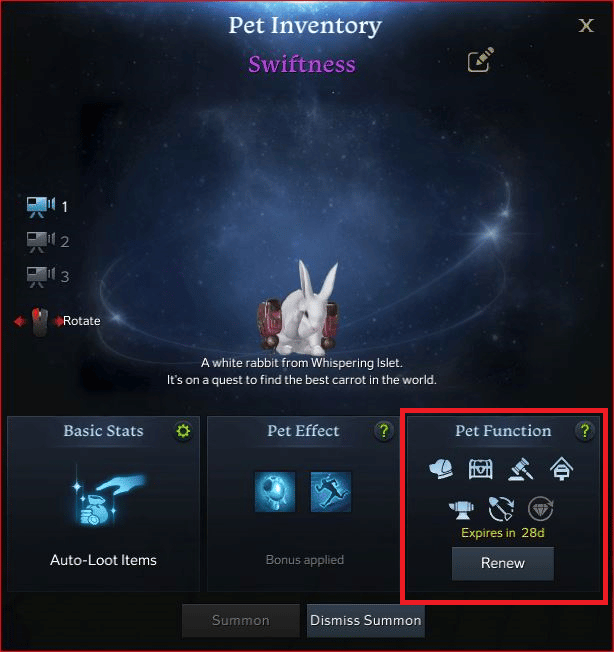
The Functions a Pet has are here:


https://thegamescabin.com/lost-ark-class-guide-north-america-na/
Related stories

5 best Marvel SNAP Conquest decks (August 2023): Darkhawk, Thanos Control, more
If you want to win against your opponent, these are the 5 best Marvel Snap Conquest decks so that you can overpower them and get the victory.
How to solve the Luminflux Pyxis puzzles in Honkai: Star Rail
If you're struggling with the Honkai: Star Rail Luminflux Pyxis puzzles, we're here to help. Check out our solutions for each day's puzzles!

ESO Dragonstar Arena: All rounds & loot
In this guide we'll rundown each round within the ESO Dragonstar Arena, as well as detail all the loot you can possibly get as a reward.