

When it first came out, many dismissed Valorant as another Overwatch clone. By 2021, however, it had already doubled its competitor player count. The key to its success relies on the gameplay: a simple bomb-defusing first-person shooter that combines carefully calibrated weapons with super-human abilities. Valorant may not be extremely demanding in terms of hardware, but it’s highly competitive and a simple stutter can cost the player greatly. The only way to obtain smooth and reliable gameplay is by choosing the correct setup options, and we are here to help players do precisely that with this article.
Graphics Settings
There are different graphic options that can improve Valorant’s performance. Some players may be reluctant to switch the texture and detail quality to low, or deactivate shadows, bloom, and enhanced gun skin visuals, as the aesthetics of the game is what attracted a lot of players in the first place. In that case, it’s better to turn vertical synchronization, anti-aliasing, and distortion off to get the best possible results. The player can then gradually start restoring specific settings until the right balance between frame rate and graphic quality has been achieved.
CPU
One of the most important factors when it comes to game performance is the GPU. In fact, experts recommend focusing on this component rather than the graphic cards, when updating a PC gaming setup to play Valorant. The Intel Core i5 9400F is one of the best options, as it comes with 6 cores, 6 threads, 2.9 Ghz, and a 9MB cache. Players could also choose the surprisingly powerful Intel Core i3 9100F, but even if this is not possible, there’s a number of settings that may be able to help improve performance.
First, it’s important to make sure that Windows 10 is updated to its latest version, and that any unnecessary background apps are disabled. Inside operating system graphic options, players can turn on the hardware- accelerated GPU scheduling. Under this, there’s a section called Graphic Performance Preferences. By clicking on the browse button under it, users can find the folder where Valorant is installed, setting it up for the highest performance.
Mouse Sensitivity
When it comes to mouse settings, there’s no perfect solution that every player can apply. The same mouse sensitivity can work perfectly for a game, and while feeling loose and out of control for another. This is particularly true in the case of first-person shooters and even more so in a fast-paced competitive game such as Valorant.
A sensitivity between 0.4 and 0.5 is a good place to start. But players can also apply simple mathematical formulas to convert their mouse sensitivity from other first-person shooters. Some professional players even share their own settings. In any case, players should take their time and try different levels before making their final choice.
Valorant is a beautiful and rewarding game. But it also has a relatively high learning curve and it’s surprisingly competitive. Some players may even find their first matches a bit frustrating and feel that the game isn’t being fair. In order to rule this out, it’s important to take a careful look at the hardware, consider an upgrade, and try different settings until the right one is found.
Related stories

Bacary Sagna on FIFA, Arsenal, Man City & Declan Rice
TGC caught up with former Arsenal, Man City and France full-back Bacary Sagna to talk about the title race, FIFA, and more.

David James on Star Wars, Liverpool's Current Form, And More
We sat down with the former England, Liverpool, and Manchester City goalkeeper on the state of football affairs at his former clubs,.
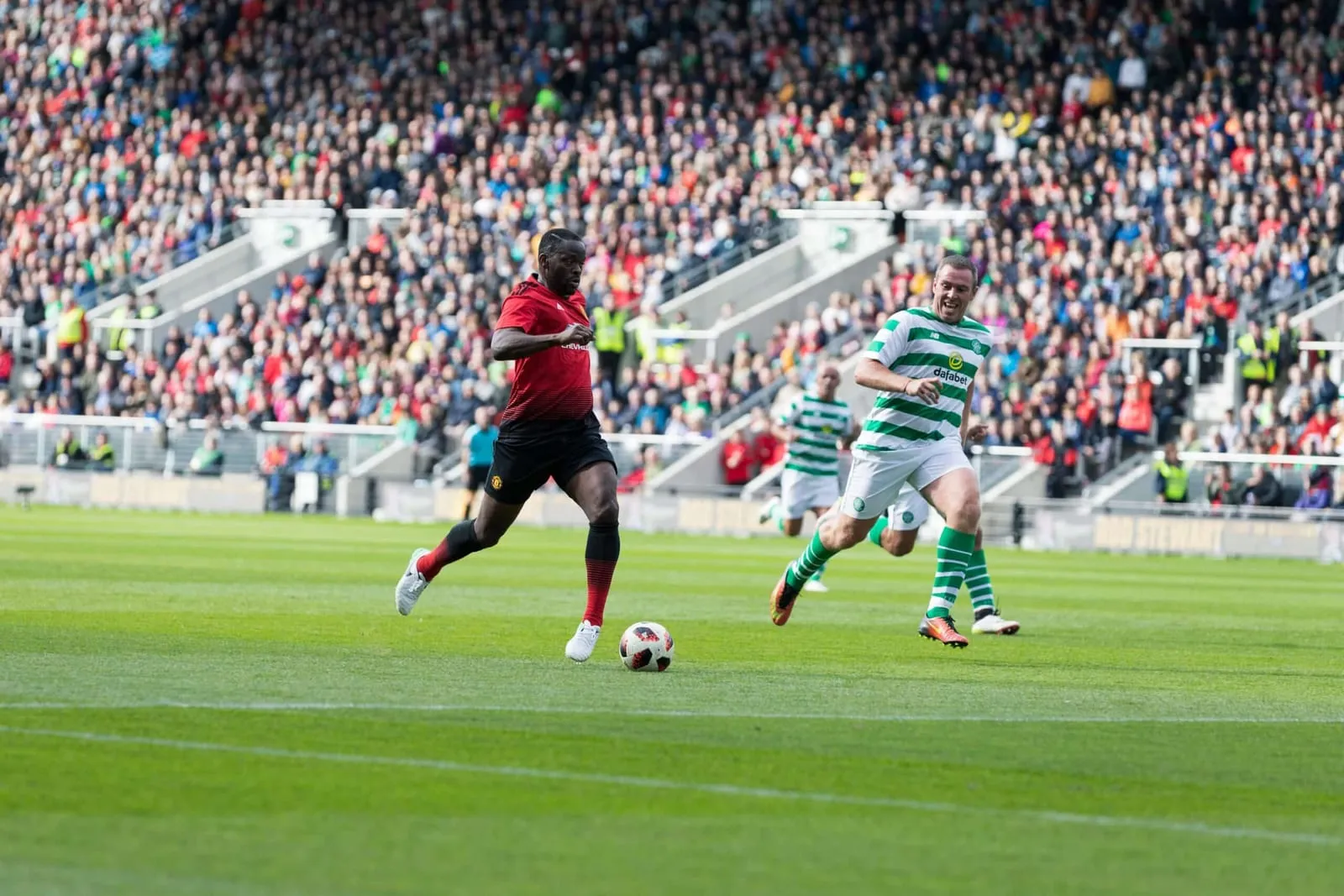
Louis Saha Roasts Wayne Rooney's FIFA Skill: "I Remember Him Throwing Controllers"
We spoke with the former Manchester United and France player on Wayne Rooney and Patrice Evra, the state of United, and more.