
Pokemon Scarlet And Violet: Let's Go Feature Explained
Let's Go is the brand new mechanic in Pokemon Scarlet and Violet. This guide tells you everything you need to know about it!


The Let’s Go feature in Scarlet and Violet is perhaps one of the best quality-of-life improvements added to the Pokemon franchise in recent history. This guide will go over exactly what the Let’s Go mechanic is, as well as how to use it and what you can use it for in Pokemon Scarlet and Violet
- Here’s what you need to know about Paradox Pokemon in Scarlet and Violet.
Pokemon Scarlet and Violet: What Is Let’s Go?
Well, it’s certainly not just a decent spin-off from the mainline games anymore!
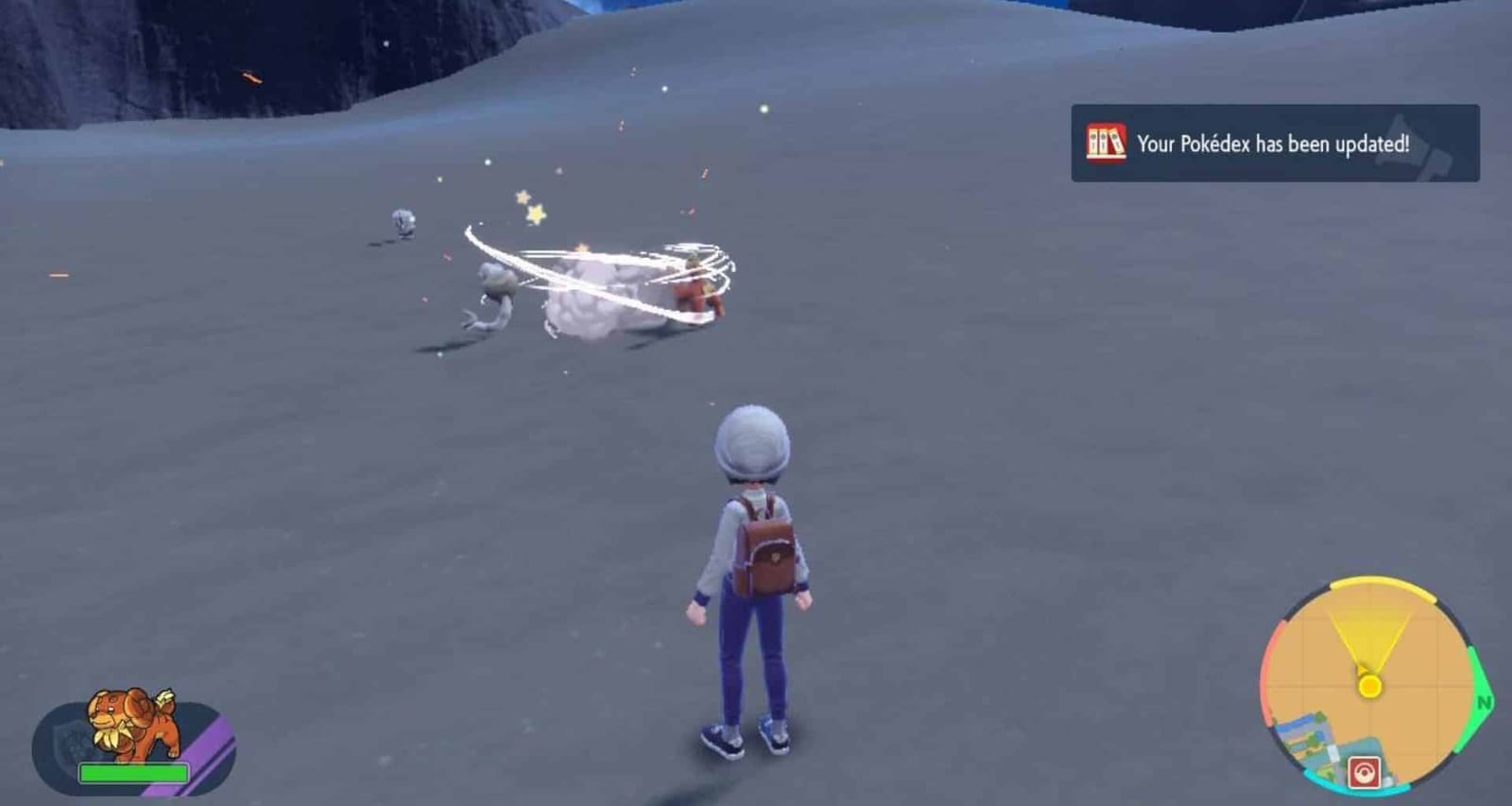
Let’s Go is the name of the new system in Pokemon Scarle_t and _Violet. The first Mon in your party can travel with you in the overworld. They’ll be able to pick up useful items and auto-battle any wild Pokemon they come across. Of course, using this mechanic to auto-battle wild Pokemon means you’ll receive less EXP than in a regular player-controlled battle. But, in our opinion, the time saved is well worth the tradeoff.
- Curious about what the Day One Patch added to the game?
How To Use Let’s Go

You can use Let’s Go immediately after you pick your starter Pokemon, even if it isn’t formally introduced until a bit later in the game.
To use Let’s Go, all you need to do is point your Pokeball in a direction and press the “R” button. Your Pokemon will pop (literally) onto the screen heading in a straight line until it finds something that piques its curiosity.
To recall your Pokemon, press ‘ZR’. You can also redirect your Pokemon by pointing in the direction you want them to head and pressing ‘R’ again.
Let’s Go: Useful Things You Need To Know
Auto-battles in Pokemon Scarlet and Violet are calculated based on level and type advantage. Even if you win, your lead Pokemon could take a bit of damage. If they take too much damage, they’ll tire themselves out and come back to you. If you want to send them out again, you’ll need some Potions to hand. Or, of course, you can visit your local Pokecenter to recharge your Tera Orb and heal your team.
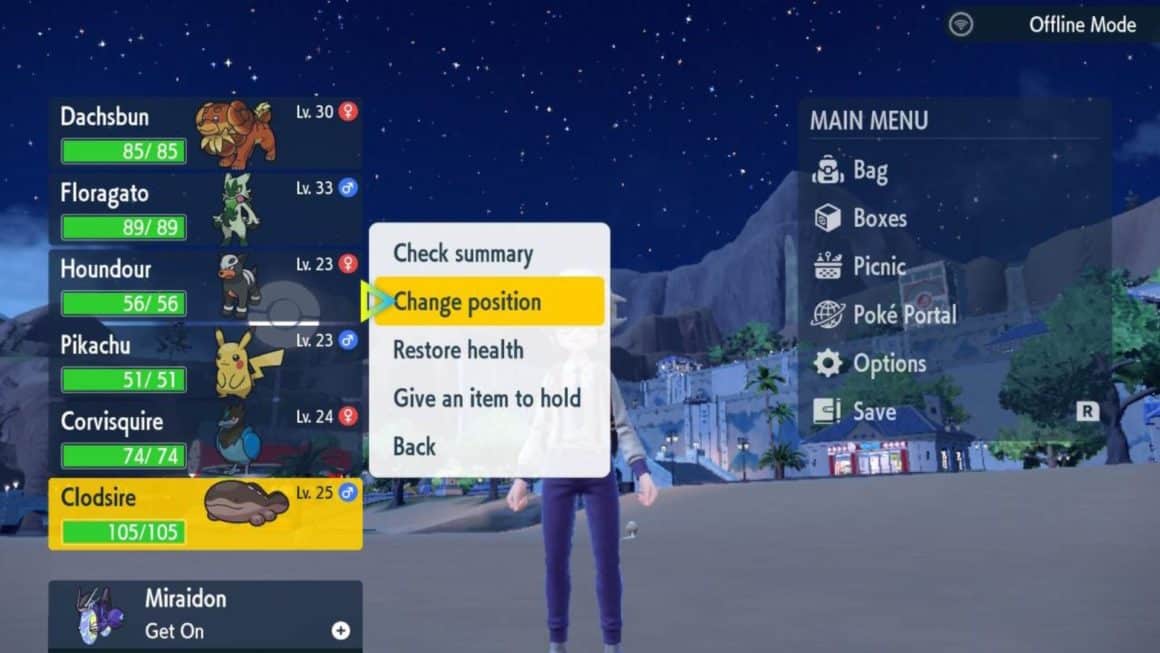
To change which Pokemon you Let’s Go with, press ‘X’ to bring up the menu. You can then see an overview of your team on the left. By clicking on the Pokemon, you can change their positions. The Pokemon at the top of the list will be sent out when you use Let’s Go.
- Scarlet and Violet have one of the lowest Metacritic scores ever…
Related stories

5 best Marvel SNAP Conquest decks (August 2023): Darkhawk, Thanos Control, more
If you want to win against your opponent, these are the 5 best Marvel Snap Conquest decks so that you can overpower them and get the victory.
How to solve the Luminflux Pyxis puzzles in Honkai: Star Rail
If you're struggling with the Honkai: Star Rail Luminflux Pyxis puzzles, we're here to help. Check out our solutions for each day's puzzles!

ESO Dragonstar Arena: All rounds & loot
In this guide we'll rundown each round within the ESO Dragonstar Arena, as well as detail all the loot you can possibly get as a reward.